

Microsoft seems to have changed their traditional bland designed operating systems with vibrant and colorful one, which is quite evident from Windows 8 and also smart phones running Windows Operating system. Apart from these flashy changes, they have also included some cool new un-conventional features like Windows Charms, Colorful Menus and a more fluid user interface. Boot speed has also achieved an appreciable consolidation, so much that it won’t be wrong to call it the fastest they ever pulled.
Windows 8 also seems to have bought into the idea of having a complete, one-stop shop for all the software, now more commonly known as apps. This unanimous decision has made it easier to find interesting free as well as paid apps and also to find the best due to the user rating and review capabilities.
But the plethora of apps available in the Windows Store makes it a little more than daunting to find the best or at least the suitable apps for a particular purpose. Photo editing Apps for Windows are no exception, and especially because it is hard to unravel the real thing from the layers of self-adulation. So, we decided to compile a list of 5 Photo Editing Apps for Windows 8 to help you get the best of the offerings without incessantly wasting time and efforts to scour for the ideal Photo Editing Apps.
Photo Gallery
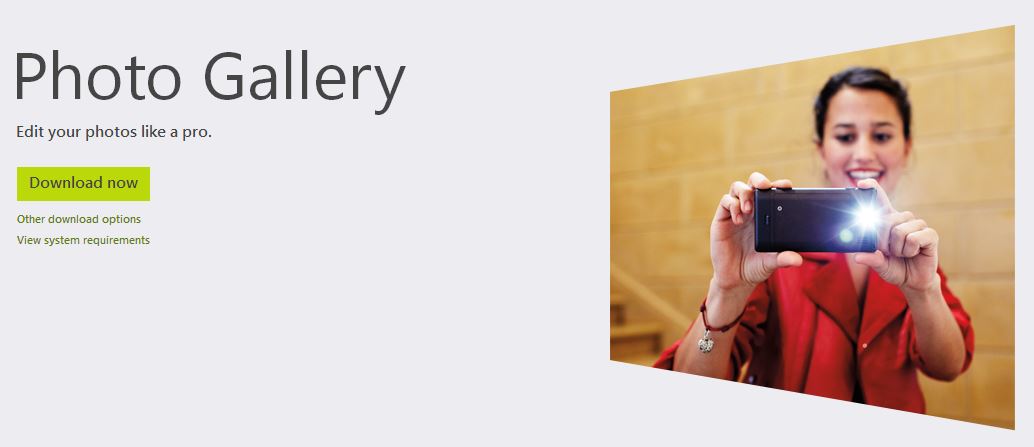
Photo Gallery is one of the simplest and prettiest Windows 8 photo editing app. It can be used to shoot panoramas using Windows Tablets or to compile a group photo using its merging features. Standard effects ranging from color, brightness, hue, temperatures, contrast to retouch, red eye removal, crop and a lot more can directly be achieved with quick flickers around this app.
Aviary Photo Editor
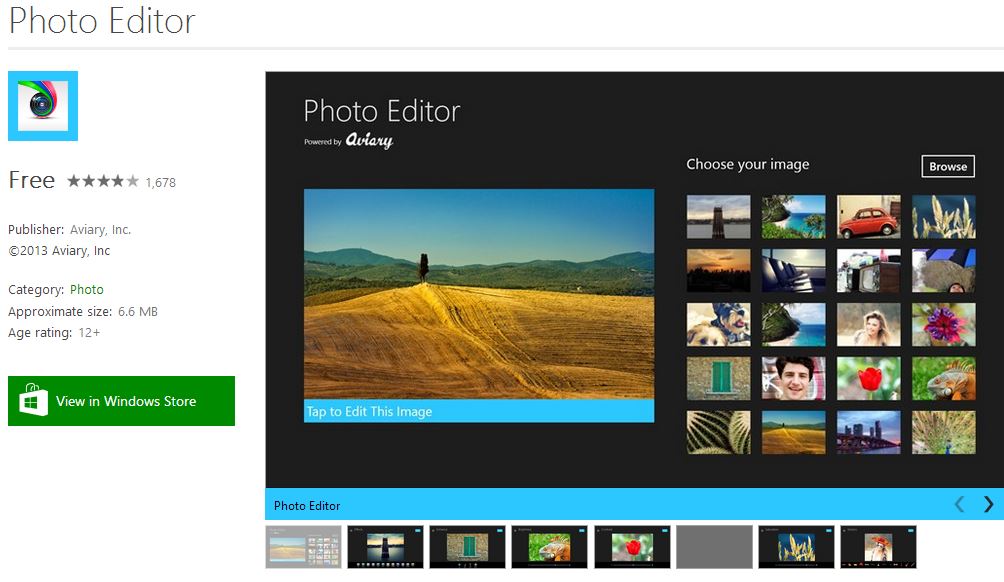
This Photo Editor from Aviary has been received quite well by Windows 8 family because of the much promised one-stop-shop photo editing compilation. Three words sum it up for this app, it is fast, simple and fun.
Fotor for Windows 8
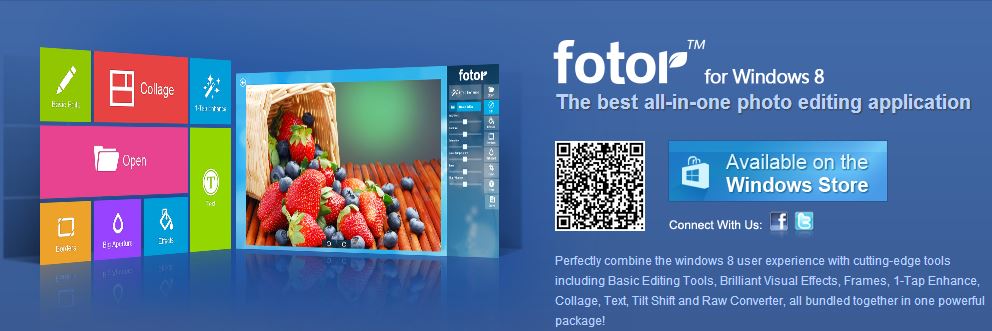
Fotor integrates well with the aesthetics and interface of Windows 8, in fact the overall design and functionality make it feel like a native Windows 8 App. As for the features, all the goods like Basic Editing Tools, Brilliant Visual Effects, Frames, 1-Tap Enhance, Collage, Text, Tilt Shift and Raw Converter are all bundled together in one powerful package. The quality effect filters, caption insertion and tap enhance are some of the more prominent functions that makes Fotor a must have photo editing app for Windows 8.
FhotoRoom for Windows 8.
After success on Windows Smart Phone Platform, this award winning Photo editing app has finally made it to Windows 8. What makes it unique is the minimalistic design and simple user interface in conjugation with all the other standard photo editing features. Fhotoroom covers basic functions like crop, tilt, rotate, image sharpening as well as pro features like filters, frames and everything in between.
PhotoScape for Windows 8
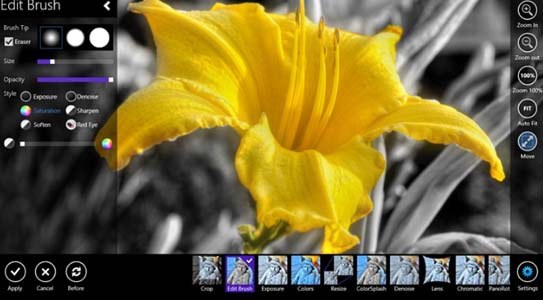
Finally another free Photo editing app with many quality features determined to give life to your photos with just a few clicks and creativity. It has something of everything, which eventually helps you edit, enhance, view and optimize photos. The interface is simple and elegant too and deserves heavy appreciation considering the complicated features it handles. And because of all the features plus the fact that it is completely free, we recommend you download PhotoScape right away, try it and keep it.
There are many more Photo Editing Apps for Windows 8 available but almost all of them share the same if not less features than the one’s portrayed in this post. But if you find it otherwise or if you have any personal favorites, please mention in the comments section.
