

During the age of analog television, different parts of the world used to use different television display systems – namely PAL and NTSC. While that is largely no longer applicable nowadays, some DVDs and DVD players may only support one type of system or the other.
If you have a PAL DVD that you can’t play on your NTSC DVD player, you should convert it to NTSC instead. It may be tough finding a converter that can do that, but Movavi Video Converter will have you covered.
Assuming you have the DVD in your computer’s DVD drive, you can launch Movavi Video Converter and start converting it almost immediately. First you need to add the DVD however by clicking on ‘Add Media’ then ‘Add DVD’ and ‘Open DVD’ – then selecting the DVD video file under the ‘VIDEO_TS’ folder.
Next you should set it to convert that PAL DVD to NTSC by opening up the ‘Video’ tab and selecting the ‘DVD-Compatible Video’ category. As you’ll see Movavi Video Converter provides several NTSC presets that you can choose from, and you can select the quality that you prefer.
If you’d like to set Movavi Video Converter to save the video into a specific folder once it has been converted, click on the ‘folder’ icon next to the ‘Save to’ field. After that’s done you can press the ‘Convert’ button at any time to convert your video from PAL to NTSC.
After the conversion is complete it is up to you whether you want to burn the video to a DVD or just save it onto your PC. Keep in mind that Movavi Video Converter is much more than just a PAL to NSTC converter and can be used to switch your DVD videos to other formats as well, that may be more convenient to store.
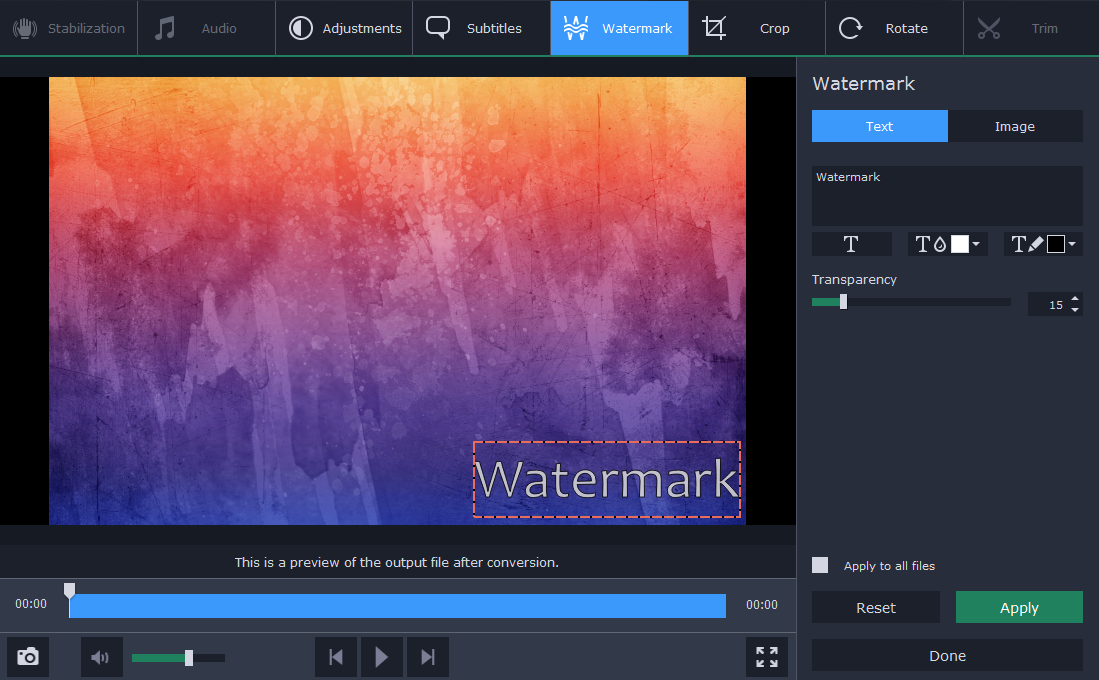
To be perfectly honest there are lots of other features in Movavi Video Converter that you may want to explore and take advantage of. It can convert all kinds of media files, and you could use it to create animated GIFs from video clips, extract audio tracks from videos, or grab screenshots. On top of that it has numerous editing tools as well to cut and join videos, resize their frames, add captions, and more.
All in all Movavi Video Converter will help you to manage your videos by ensuring they’re the right format, altering their settings, or editing them if need be. It can do the same for all your other media files as well, which makes it the perfect all-in-one utility. Suffice to say with its help you should be able to cope with almost any situation.
